75 seconds: boards, tasks, AI on your own API key, MCP for agents and the client portal.
Screenshots
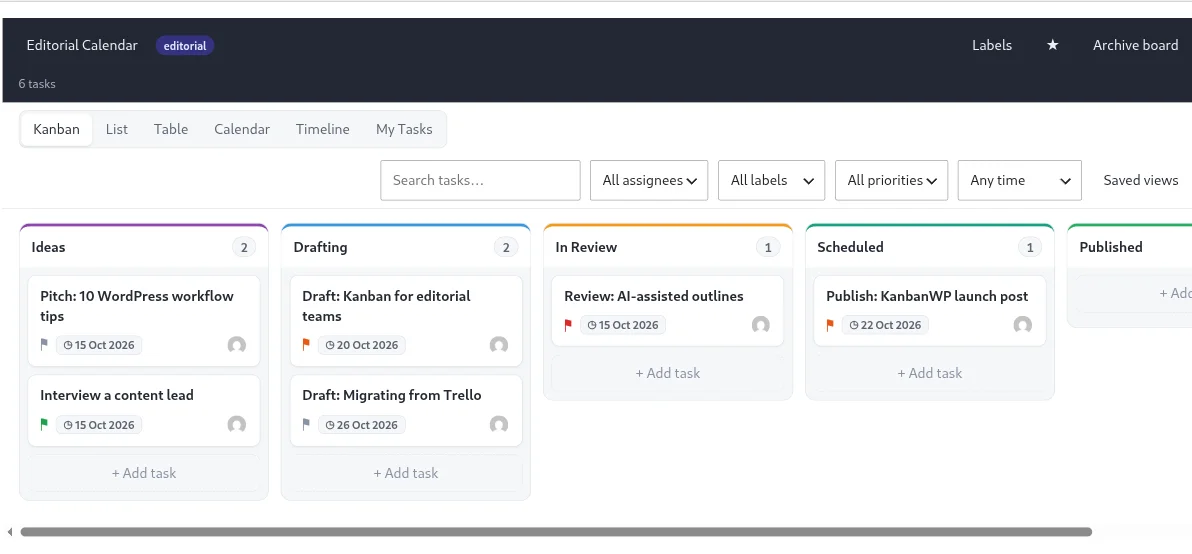
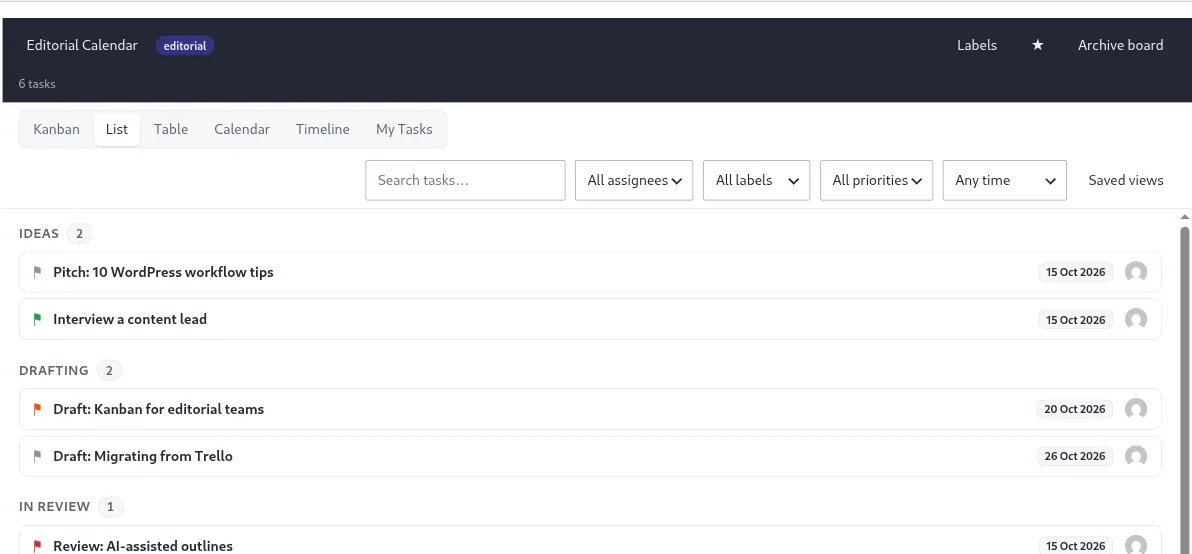
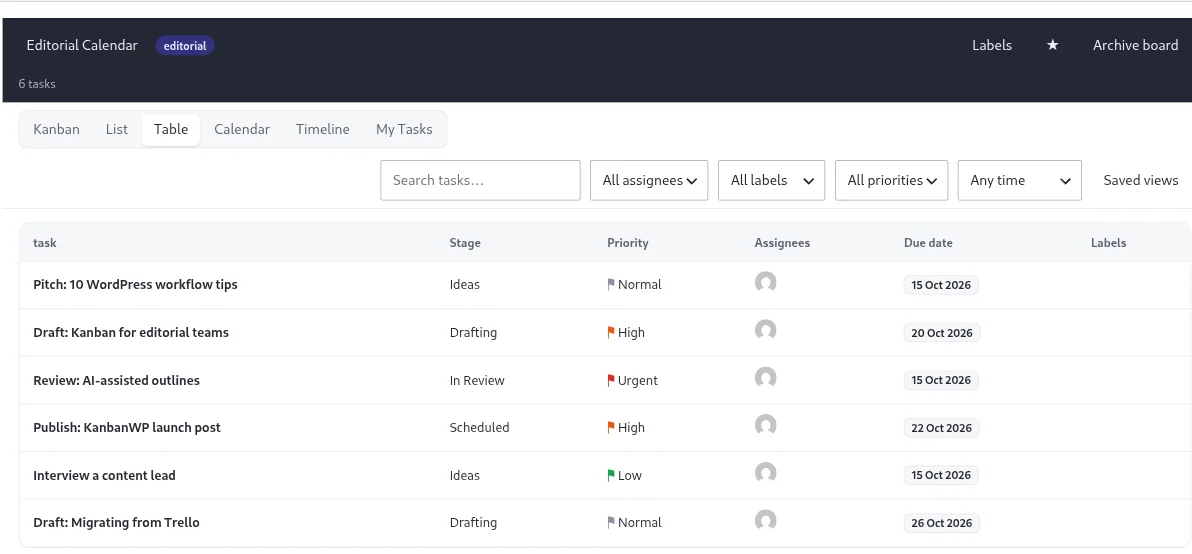
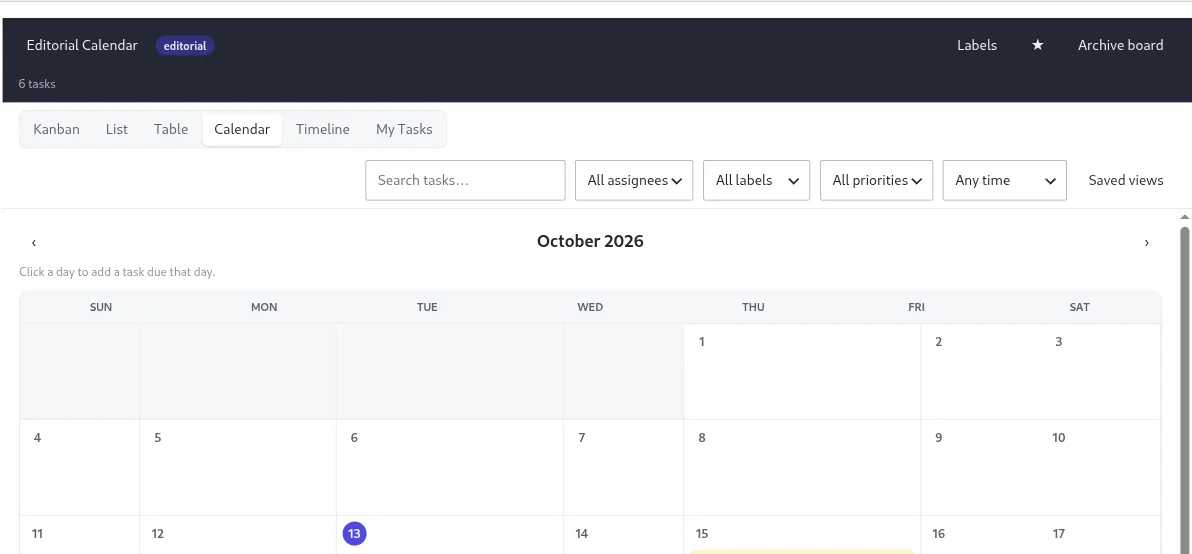
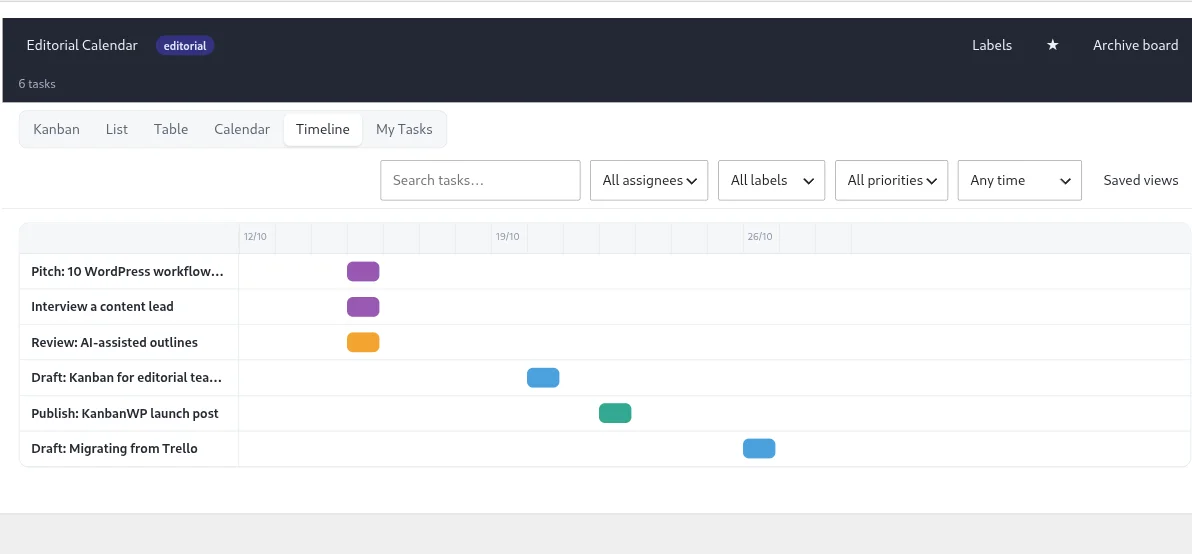
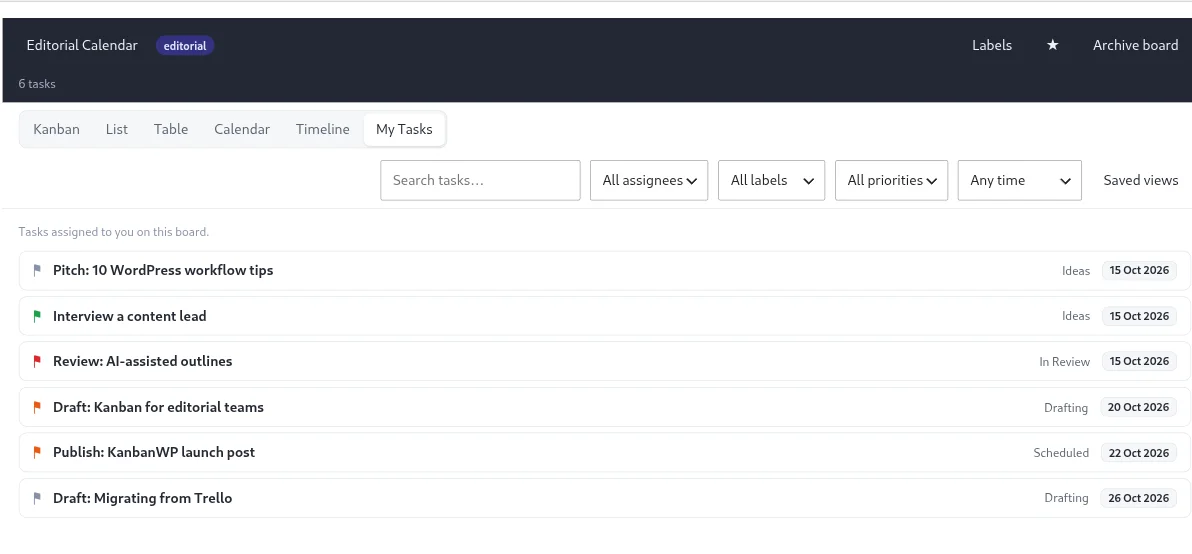
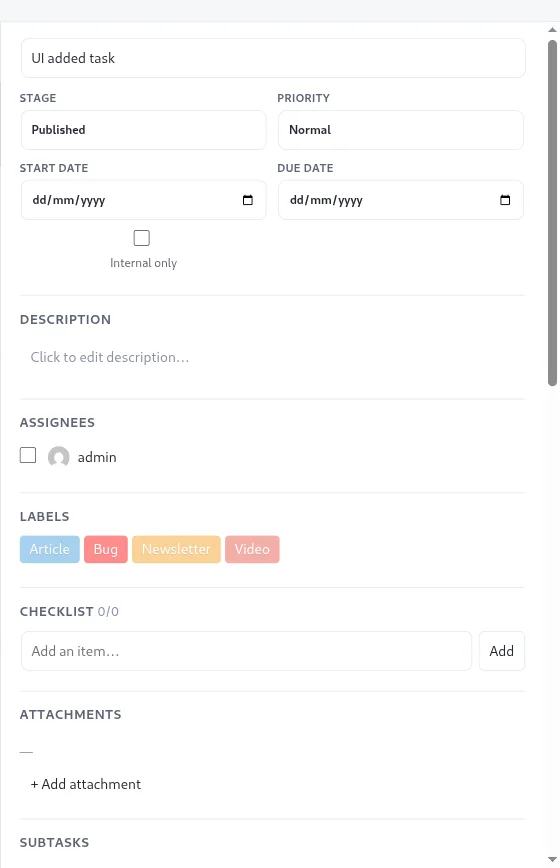
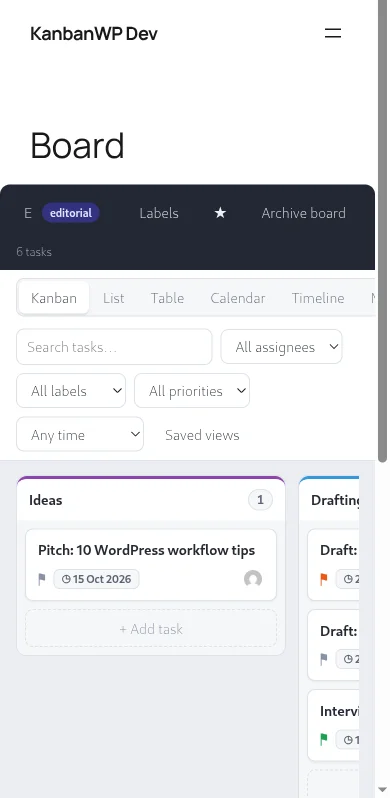
Kanban view. Drag cards between stages. WIP limits and colored stage headers keep work visible.List view. Tasks grouped by stage in a compact list.Table view. Sortable columns for stage, priority, assignee and due date.Calendar view. See due dates on a month calendar, ideal for an editorial schedule.Timeline view. Start and due dates laid out across time.My Tasks. Everything assigned to you, across boards.Task details. Stage, priority, dates, assignees, labels, checklist and attachments in one panel.On mobile. The same board on a phone.