Show your work.
See your progress.
AI project management and kanban boards for WordPress.
Use KanbanWP for project management, to track sales, as an editorial calendar, and more!
Download nowfree for WordPress Watch the demoSee it in action
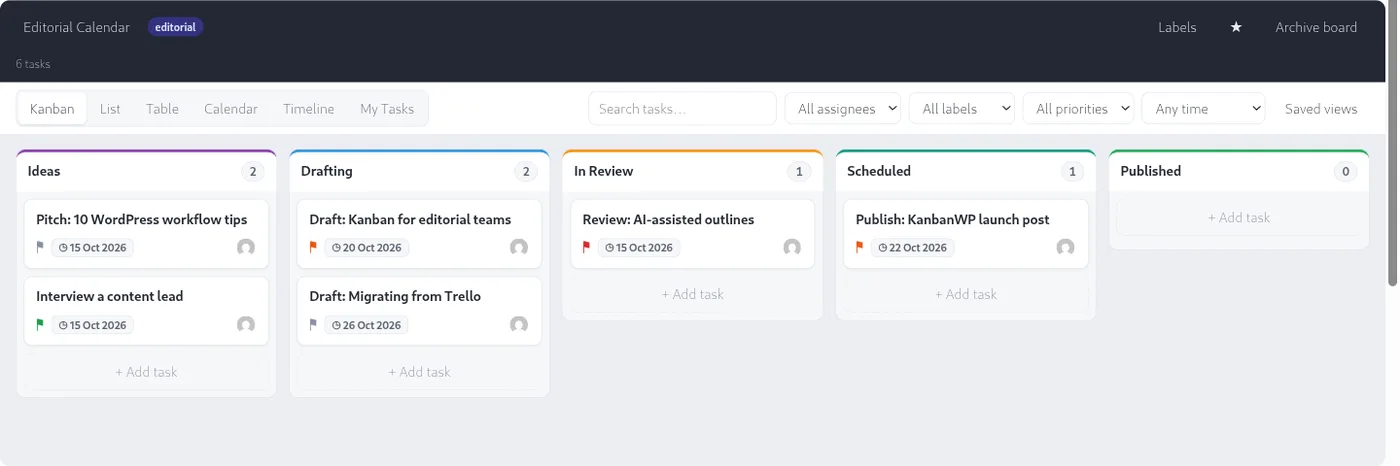
ProductivityDo more with your WordPress site
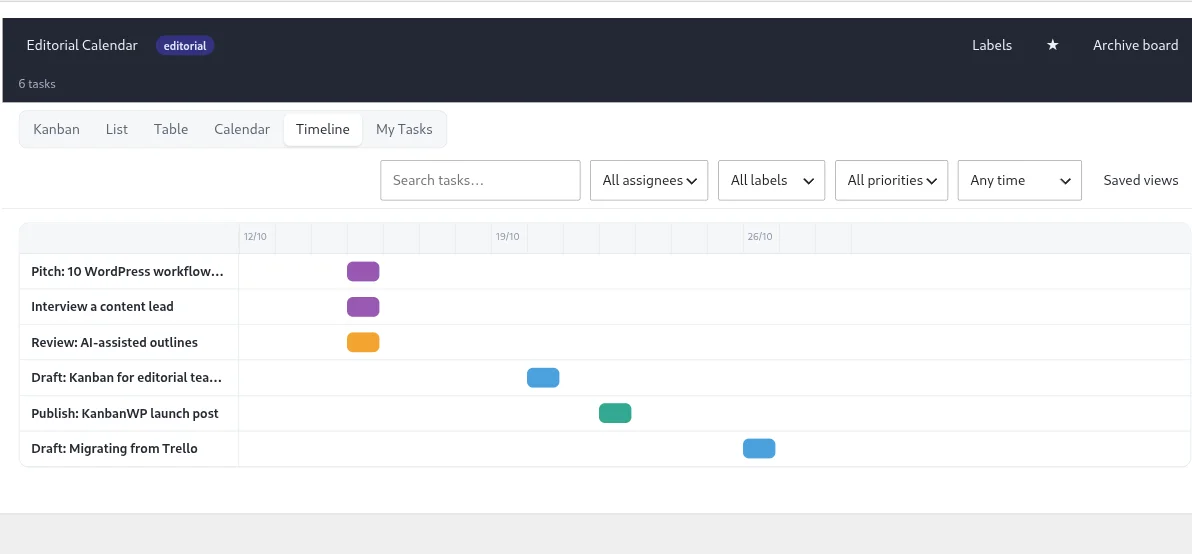
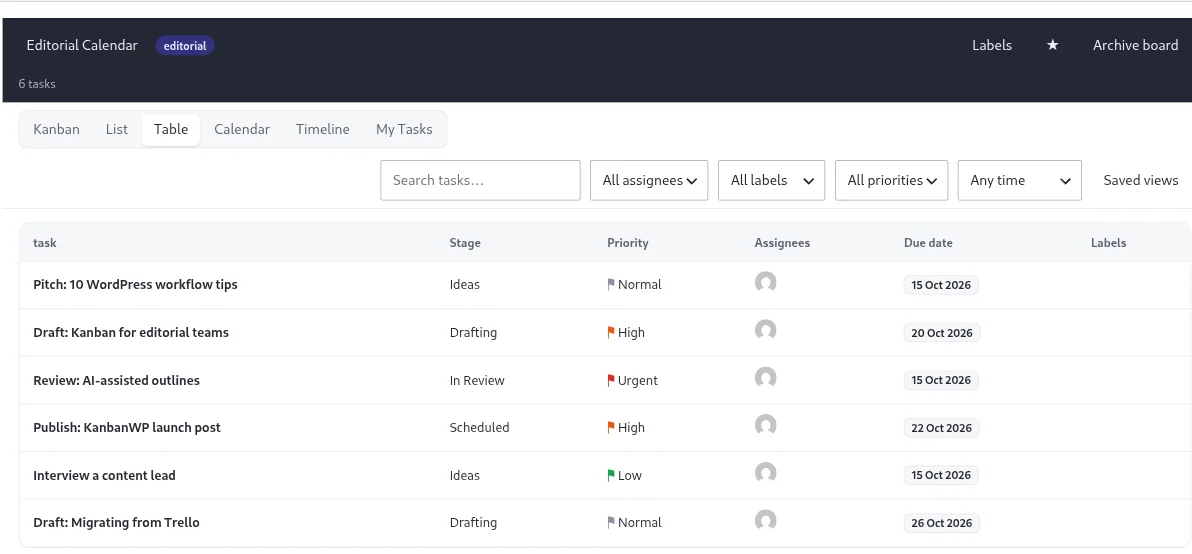
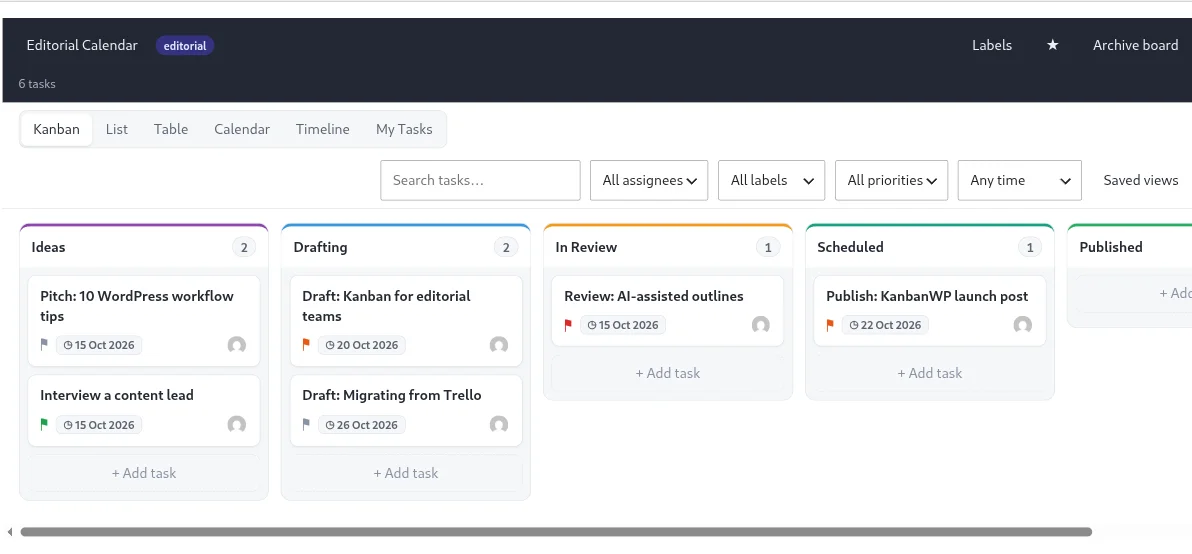
Focus on your work and not on organization. Visual boards mean fewer distractions and make it clear what should be worked on next. Switch between Kanban, List, Table, Calendar and Timeline views without losing your place.
CollaborationDo more together
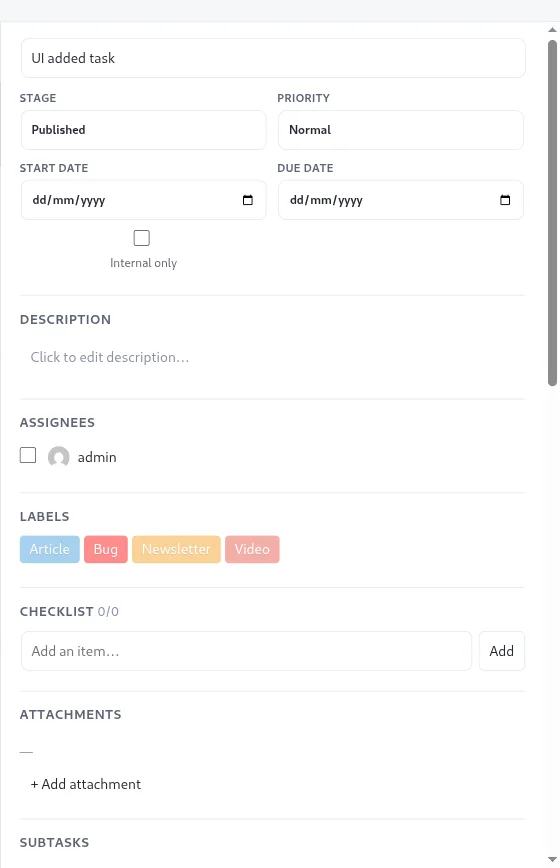
Communicate and collaborate in one place. Comments with @mentions, assignees and a full activity feed keep everyone up to date, even when they work remotely. Give leaders and clients the oversight they need with board roles and an optional client portal.
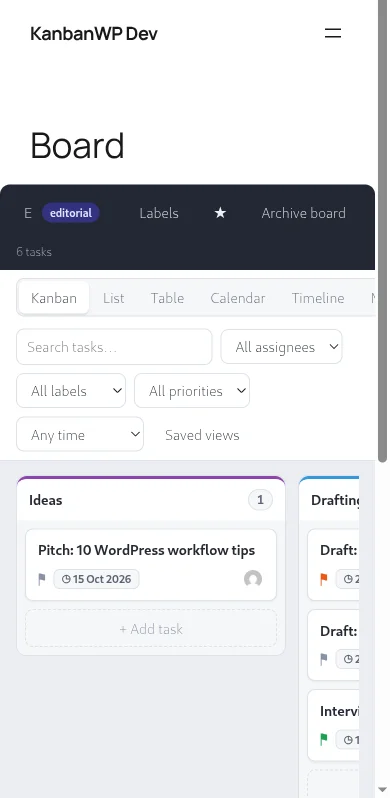
Mobile-friendlyWork anywhere
Create, update and check off tasks on your phone or tablet without any extra plugins or apps. The board is responsive and scrolls the way you expect on a touch screen.
Secure & privateYou own your data
Your information stays on your own server, in your own WordPress database. Nothing leaves your site except the AI requests you choose to make with your own API key.
NewAI on your own key, and MCP for agents
Bring your own OpenAI, Anthropic or Google Gemini key for AI features available through the REST API, with per-user monthly token caps and a usage log. Connect AI agents such as Claude to your boards through the built-in MCP server using a token you control.
Tons of features
- Unlimited boards with drag-and-drop stages and WIP limits.
- Six views of the same work: Kanban, List, Table, Calendar, Timeline and My Tasks.
- Priorities, due dates, assignees, labels, checklists, attachments and custom fields.
- Subtasks, task dependencies, checklists and attachments.
- Board templates: Editorial, Client, Sales, Bugs and Blank.
- Link cards straight to your WordPress posts and pages.
- Board roles for admins, members and viewers, with an optional front-end portal.
- Comments with @mentions, internal-only tasks and a full activity feed.
- Notifications by email digest, Slack and Discord, plus outgoing webhooks.
- Saved views, filters and search to find any task in seconds.
- Works on phones and tablets with no extra app.
- REST API, WP-CLI commands and WooCommerce integration.
See every feature → · Board templates → · KanbanWP vs Trello → · Best AI project management tools in 2027 →
Use it forOne plugin, many workflows
Project management
Plan sprints, track bugs and keep client work moving with swimlanes and WIP limits.
Learn more →Editorial calendar
Take posts from idea to published and link each card to the WordPress post itself.
Learn more →Sales & CRM
Run a lightweight pipeline, or turn WooCommerce orders into tasks automatically.
Learn more →