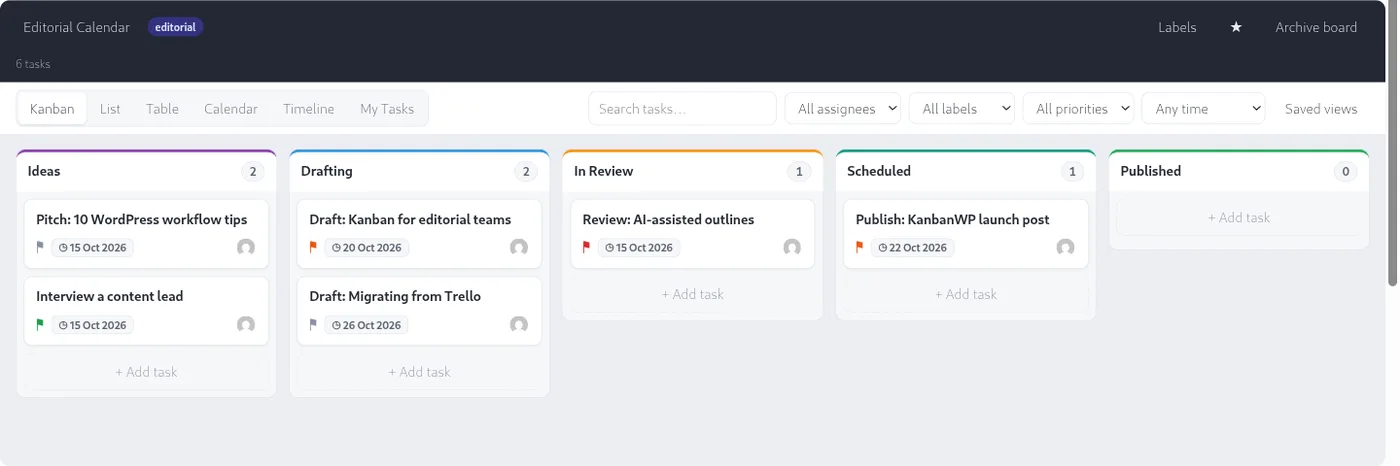
Open any board from KanbanWP > Boards and you see the board screen. It has three areas: the header at the top, the views and filter bar under it, and the board itself.
Stages and cards
Each column is a stage. Stages describe where work is in your process, for example Ideas, Drafting and Published. You may know them as columns or statuses elsewhere.
Each card is a task. A card shows:
- the title,
- coloured label chips,
- a priority flag,
- the due date, in red once it is overdue,
- small indicators for comments, checklist progress, subtasks, dependencies and a linked WordPress post,
- the avatars of the people assigned.
The number beside a stage name is how many tasks it holds. If the stage has a WIP limit it reads like 3/5. See WIP limits.
Click a card to open the task panel on the side, where you edit details, add comments and see activity. Drag a card to another stage to move it.
The header toolbar
The top of the board shows the board name, its template, and these controls:
- Board name. Administrators on the board can click it to rename the board.
- Member avatars. Click them to open Manage members.
- Labels. Opens the label manager.
- Star. Marks the board as a favorite.
- Archive board. Hides the board from the active list. It is shown to board administrators only.
- A count of the tasks currently visible.
The views switcher
Below the header is a row of tabs: Kanban, List, Table, Calendar, Timeline and My Tasks. They show the same tasks in different ways. Read more on the Views page.
Filters
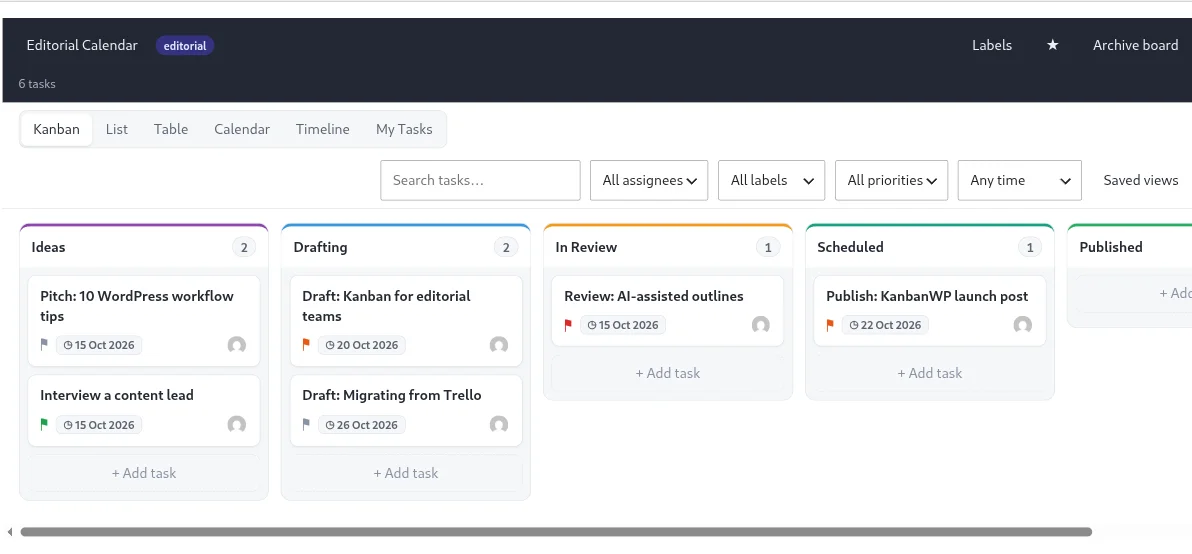
Next to the tabs is the filter bar:
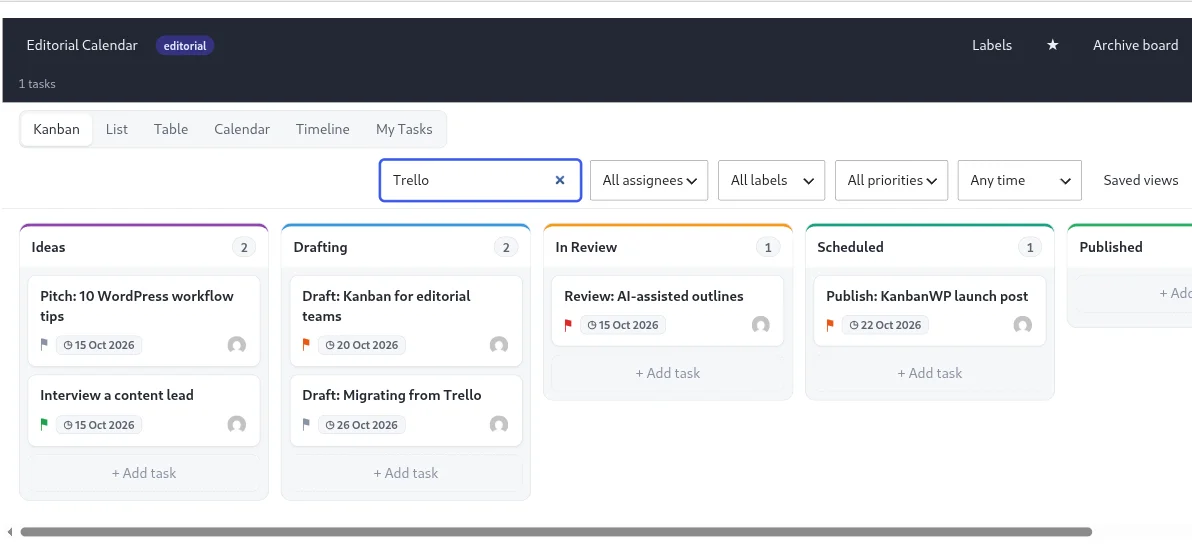
- A search box (Search tasks…) that matches titles and descriptions.
- Assignee: all assignees, My Tasks, Unassigned, or a specific member.
- Label.
- Priority: Urgent, High, Normal or Low.
- Due: Any time, Overdue, Due today or Due this week.
Filters apply to every view. When you have a combination you use often, save it with Saved views. See Saved views.
If you can only view
What you see depends on your role on the board. Viewers can look and filter but not edit, so buttons such as Add task and Labels are hidden for them.